6 September 2026
The Restaurant Floor: When a Party Arrives, Who Knows Which Table Is Free?
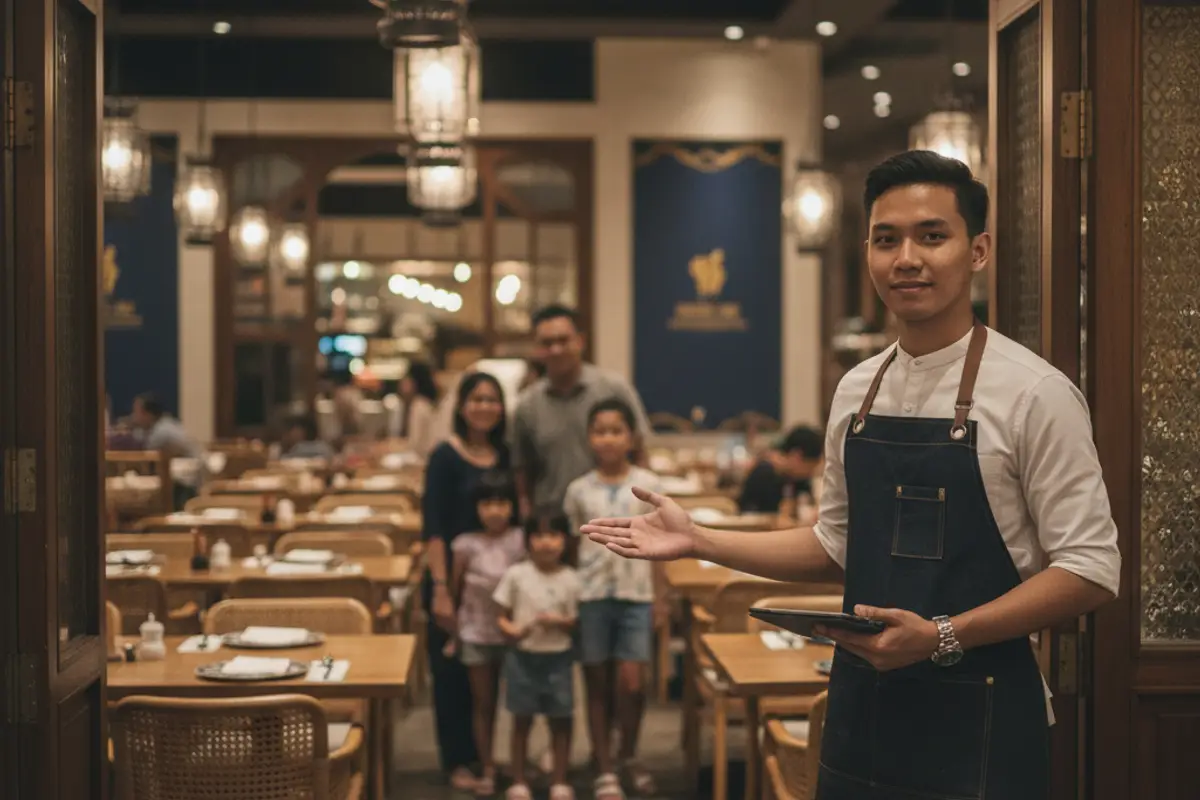
A tomyam place, 16 tables. At 8.10pm a family arrives — they have a booking, four people. The lad on the door started last week. He looks into the room: it looks full. He looks at the book: their name is there. What he cannot know is that table 12 has just paid and is being cleared. So he does what anyone would do — "one moment please" — goes to find the one person who knows everything, and the family stands by the door for five minutes.
A city café, two staff per shift. One calls in sick on Saturday. The one who is left knows every table and every booking, because she answered the DMs herself all week — but she is one person. All night she is the only one who can answer "which table is theirs", so every time a party arrives, everything else stops.
A grilled-fish restaurant with an air-conditioned room inside and riverside seating outside. Diners who book almost always ask "can we sit outside?". Whoever answers WhatsApp says yes. Whoever is on the door that night never saw that conversation, and outside has been full since 7.
Why this keeps happening
Notice something about all three stories: none of them is a booking problem. The booking was right. The table exists. What failed is that what was known never reached the person standing at the door on the night.
A booking system answers one question: is there a table for a party this size at this time? That question is answered days in advance, and we have written at length about how it should be counted — by table class and turn, not by table name.
But at 8.10pm the question is a completely different one: which table, and who is sitting at it right now? Two different questions. Most restaurants try to answer both with the same tool — the reservation book — and the book was never designed for the second.
Second reason: the state of the floor lives in one person's head. Usually the owner's, or the longest-serving member of staff. While they are there everything runs smoothly and nobody notices a problem exists. It shows up on the night they are off — and that is the night you find out how much of your system was actually one person.
Third: "full" looks different from the door. A table that has just paid still has plates on it. A table booked for 8.30 is empty but not for anyone. From the doorway those look identical — one looks full when it is free, the other looks free when it belongs to nobody standing in front of you.
What owners try instead
The usual answer is one person who knows. It works, and it is honestly how most good restaurants run. But it is not a system, it is a human being — and human beings take days off, answer the phone, and go into the kitchen.
Some draw the table plan on paper and stick it by the counter. The instinct is right: new staff finally see the room as a map rather than a sea of people. The trouble is paper cannot show status — you still have to ask someone which table is free now.
Some use magnets or a marker pen on a board. Better still, because status is finally visible. But the board lives in one place, and on a busy night nobody has time to walk back to it and keep it current.
And some write a table number into the reservation book three days ahead — which looks like it solves this, and actually creates an entirely different problem. That is the story in the previous article.
The right way: name it, lay it out, seat them
First, something important so this is not misunderstood: naming tables does not change how capacity is counted. The engine still counts by table class exactly as before. Table names and the floor exist purely to record who sits where. That is deliberate — if the floor also counted capacity, you would have two different answers to the same question, and on a busy night you would not know which one to trust.
One — name your tables the way you actually call them. Not "Table 1 to 16" if nobody uses those names. If your staff say "Window 3", call it Window 3. A1, A2, VIP Room, Outside Stall. Each table can carry an optional zone — Inside, Outside, Upstairs — which solves the grilled-fish story above: "we'd like to sit outside" finally becomes something visible rather than something stranded in one chat thread. If you would rather not type, there is a button to generate names. Once tables are named, the table count is derived from that list — there is no second place to keep in step.
Two — lay out your floor. Tables are placed on a 12-column grid: tap a table's name then tap an empty cell, or drag it straight there. Each table can be made wider, taller, rotated, or given a different shape so it resembles the real thing. There is an auto-arrange button for a fast start, which you then tidy by hand.
What makes the plan genuinely useful is landmarks: door, kitchen, toilet, counter, bar, window, stairs, front — or anything you name yourself. Without them a grid of tables is just squares with no meaning. With the door and the kitchen in place, a new member of staff can match the screen to what their eyes see, and that is the entire point of the plan.
Two tables cannot occupy the same cell, and a table cannot be placed outside the grid. If you have been arranging and have not saved, it says so — so ten minutes of work does not quietly disappear.
Three — seat them in two taps. On the night: tap the party, tap the table. That is it. Every table is coloured by its real state — Free, Reserved, Arrived, and Finishing — so a table with ten minutes left no longer looks the same as one that has just sat down. A party whose deposit has not been confirmed is flagged too, so nobody forgets to ask.
If another party is holding that table at that moment, the system refuses and tells you who is holding it — rather than simply saying no. That difference matters at 8pm: staff immediately know the next step instead of having to go and ask. And when the party leaves, one tap frees the table again.
Two things that save you later
You will not notice either until it happens.
Renaming a table does not wreck your layout. You can rename tables on the Services page without the floor you arranged last night scattering.
Removing a table does not erase history. If you take out a table that old bookings used, it is not deleted outright — it is kept inactive so those bookings still show where that party sat. Last month's records do not change because you rearranged this month.
Who should be able to do what
The floor has two modes, deliberately split across two different permissions.
Seating a party only needs the manage-bookings permission — so whoever is on the door can do it. That is the whole intent: the knowledge moves out of one person's head and into the hands of whoever is working that night.
Rearranging the floor needs the settings permission. Layout is not a rush-hour job. You do not want tables moving at 8pm because somebody dragged one by accident.
When this helps most
Most obviously when more than one person works at a time, and especially when you have new or weekend staff. A floor plan is the fastest way for someone two weeks in to stop asking "which table".
It helps a great deal too when you have several zones — inside and out, upstairs and down, a separate room. Zones are what diners ask about most, and what gets lost most often on the way to the door.
It matters less if you have six tables in one room and the same person is always in it. In that case just name your tables and skip the arranging — the names alone give you a bookings list that shows who is sitting where.
In summary
A good booking system makes sure the table exists. It does not tell your staff which one, and it should not try — that is a question only the night itself can answer.
That is what the Floor is for: name your tables the way you call them, lay them out in the shape of the real room, and let whoever is on shift seat a party in two taps. Capacity is still counted by the engine exactly as before. What changes is how many people in your restaurant know the state of the floor — from one, to everyone holding a phone.
Restaurant mode is switched on by TempahKu rather than being a toggle you flip yourself. Start a free 14-day account, then tell us — ask Nana using the chat button in the corner of the page, or email hello@tempahku.com.
Also worth reading: how tables are counted by class, not by name and the booking system for restaurants & cafés (in Malay).
