27 September 2026
Biometric Login: One Tap Instead of a Password
Zainab runs a small hair salon in Shah Alam with three staff. On the Monday after a long Hari Raya Haji break, she opens the dashboard on her new phone — her old one cracked its screen over the holidays — and draws a complete blank. The password her old browser always remembered for her, she never actually memorised herself. Her first customer of the day is already in the chair, and she has to reset her password before she can even check the schedule.
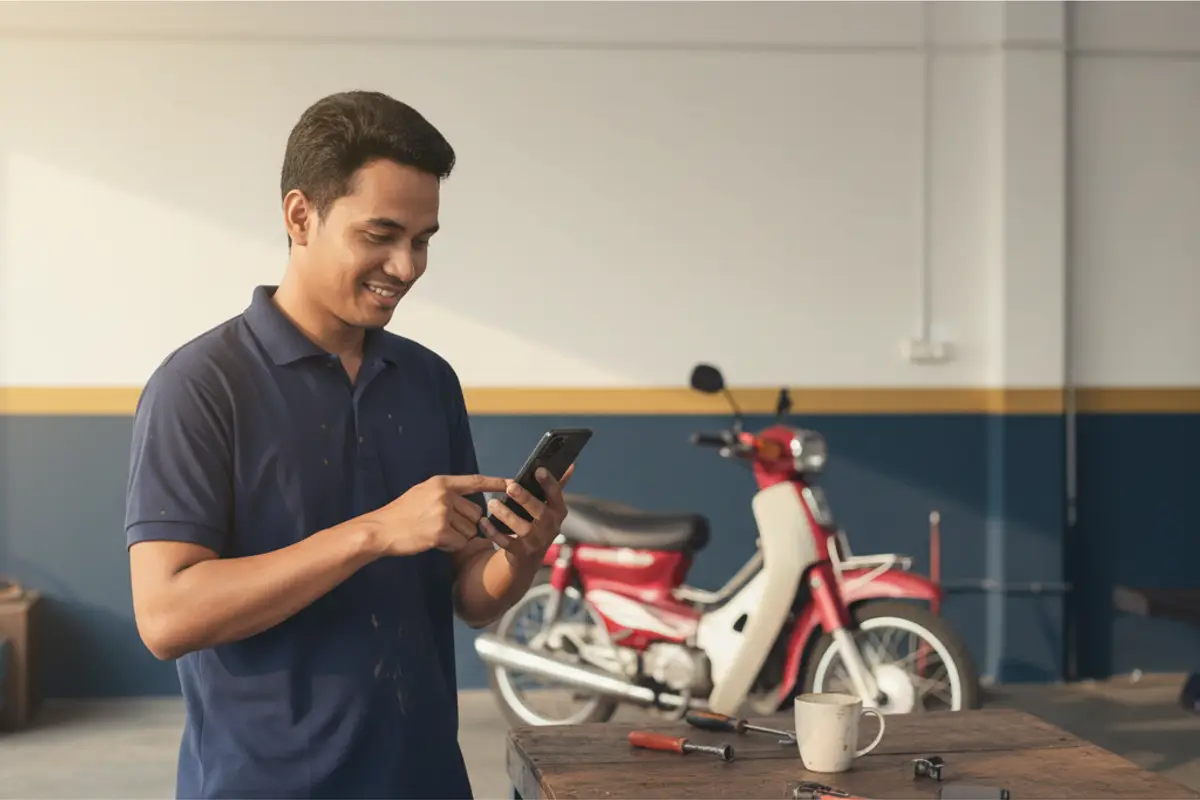
Bengkel Auto Harris in Klang shares one tablet at the front counter for four staff to log cars in and out. To save time switching shifts, everyone memorised the same password — until one of them quit last month. The password is still the same today, because nobody noticed a reason to change it urgently, and the owner hasn't clocked that the former staff member could still log in if he wanted to.
At Klinik Pergigian Dr Amirul in Ipoh, the receptionist logs into the dashboard every morning to open the day's hours — usually right after sanitising her hands before the first patient. An eight-character password mixing capitals and numbers, typed on a small phone keyboard with fingers still slightly damp, rarely goes in on the first try.
Why this keeps happening
First: a password has to be strong to be safe — long, mixed case, a number thrown in — but the stronger it is, the harder it is to remember without writing it down somewhere. The two requirements pull directly against each other.
Second: a business runs more than one account — the owner plus several staff — and when one of them forgets a password or switches phones, they wait for the owner to reset it. The owner becomes the only way through, even while busy with a customer or not even at the shop.
Third: some devices are shared — one counter tablet, one office computer — so a password that's supposed to be secret gets said out loud or written on paper next to the device. Once that becomes routine, the whole point of a strong password disappears.
Fourth: the system locks an account temporarily after too many wrong login attempts — a reasonable safeguard — but when a rushed staff member mistypes it repeatedly during the morning opening rush, that temporary lockout lands at exactly the worst possible moment.
What owners try instead
Some write the password on a sticky note taped near the counter computer or tablet — easy to remember, but anyone walking past can read it too, which cancels out the reason the password was made strong in the first place.
Some share one password across every staff member so it's easy to remember together — this works at first, until someone quits, and the password stays valid until somebody notices and bothers to change it.
Some let the phone's browser remember the login automatically — fine as long as it's the same device, but it breaks the moment the phone is replaced, factory-reset, or someone logs in from a private browsing window.
Some make the owner the only person who can reset a password — the safest option on paper, but every time someone forgets, everyone waits on the owner, even while the owner is driving or serving another customer.
How login should work
First principle: biometric login ties to one device and one account, not a shared secret. In Settings, any owner or staff member with access to Settings can tap the button to enable biometrics for that device, and register a fingerprint or Face ID on the phone they're actually holding. It isn't a shared password — it's one fingerprint, one person, one device.
Second principle: registering a new device requires the account password first. So if a phone that's already logged in ends up in someone else's hands, they still can't add their own fingerprint without knowing the real account password.
Third principle: the biometric login button only appears on its own on a device that actually has a fingerprint or Face ID sensor. An older office computer with no such sensor never shows that button at all, and ordinary password login keeps working exactly as before — nothing changes for anyone who doesn't want this.
Fourth principle: every account can see the full list of active devices — when each was registered, when it was last used — and remove any one of them at any time, say when a phone is lost or replaced. There's also an option to remove all devices at once to start over completely.
Fifth principle: there's a soft cap of ten devices per account — enough for someone with a couple of phones and a tablet, but enough of a ceiling to stop anyone registering thousands of fingerprints if an account is ever compromised.
The forgot-password link is still there and still works exactly as before on the login page — biometrics don't replace the password, they're an extra shortcut for the days your own password gets in the way.
When it helps most
It matters most for businesses with a shared counter device — a salon tablet, a workshop computer — where several staff log in repeatedly through the day. Everyone registers once, then just taps the sensor every time after.
It also helps staff who work with wet or gloved hands — workshops, spas, kitchens — where typing a long password every morning is a real point of friction, not just a minor annoyance.
For businesses with frequent staff turnover (part-timers, school-holiday hires), this isn't a substitute for controlling staff access. When someone leaves, their account still has to be deactivated separately in Staff Settings — removing their biometric device only turns off fast login on that one device, not the account itself.
And honestly: if you're a solo owner who logs in once a day from the same computer, and your password is already easy enough to remember, this is just one more step that doesn't change much for you. It also isn't available on the public demo account — you need your own trial account to try it.
In short
A strong password and a memorable password are always pulling against each other, and once a business has several staff and shared devices, that tug-of-war usually ends in a shortcut that quietly opens a security hole — a sticky note by the counter, one password everyone knows. Biometric login in TempahKu resolves that by tying login to the device and the actual person, not a secret anyone can repeat. If your staff log in more than once a day on the same device, one fingerprint replacing eight characters of password is worth trying.
